 Buyer Guides
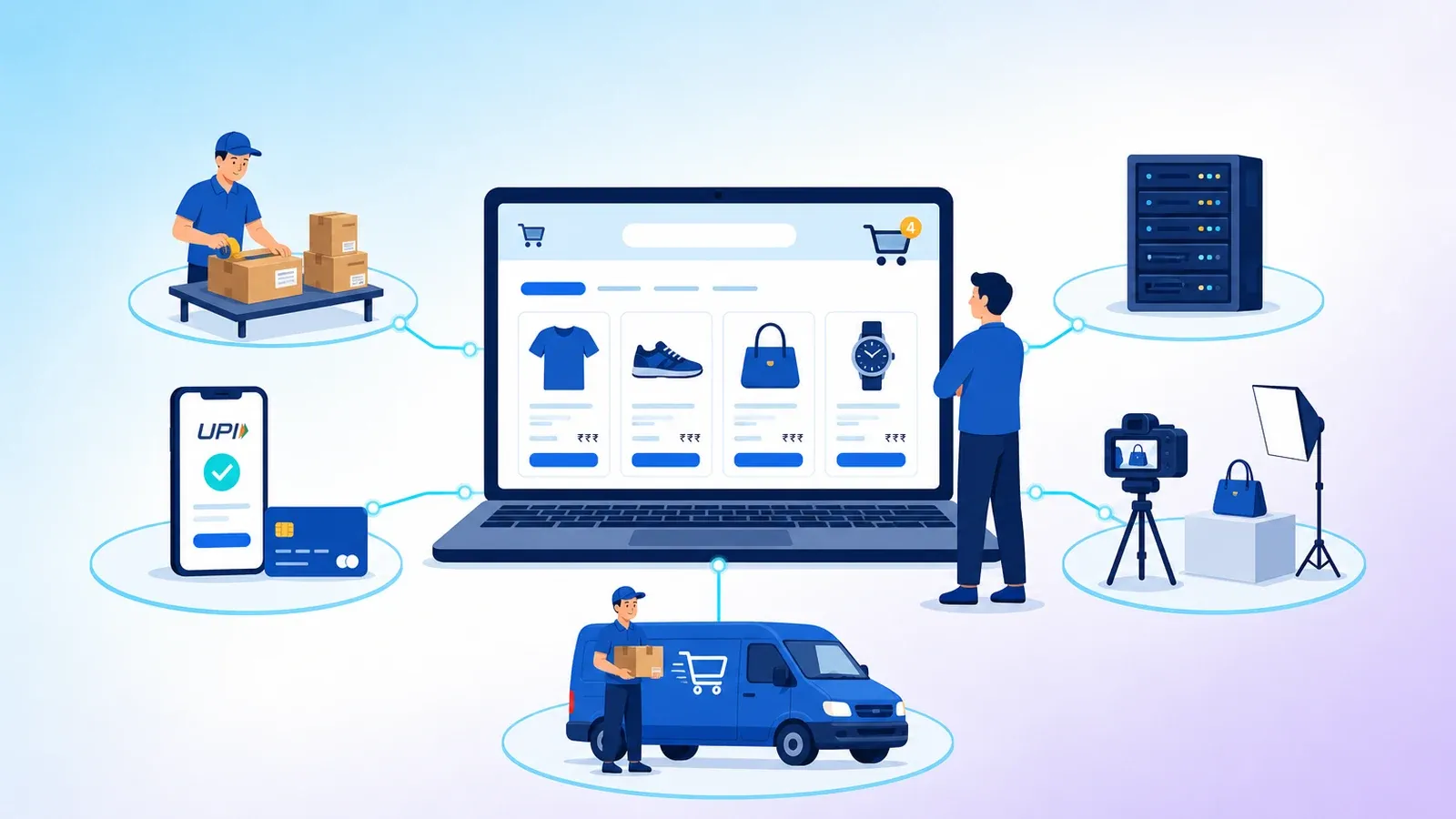
What really goes into the cost of an online store in India
The website quote is only one part of what an online store costs. Here is the full picture, so your budget does not surprise you three months after launch.

Engineering
Website, web app and mobile app sound similar but solve different problems. This guide explains each in plain language and helps you choose the right one to build first.
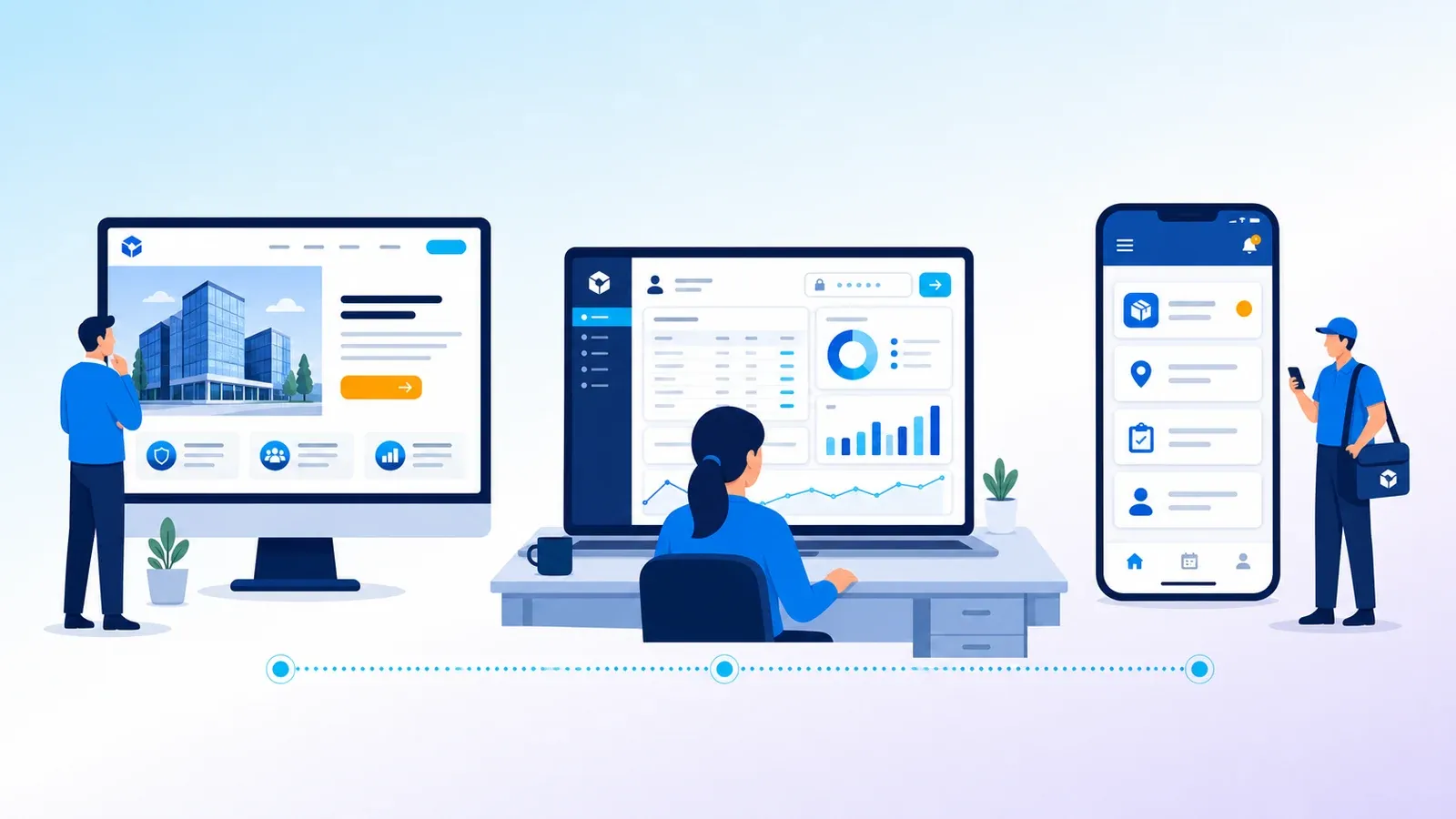
"We need an app" is one of the most common sentences we hear from business owners. Sometimes they do need a mobile app. Often what they need is a better website, or a web app their team can use from any browser.
The three sound similar, and the words get mixed up even by people in the software industry. This guide explains each one in plain language, shows where each fits, and gives you five questions to decide what to build first.
Most businesses need a website. Many benefit from a web app. Fewer truly need a mobile app on day one.
A website is mainly for reading. It explains who you are, what you sell and how to contact you. Visitors browse pages, read articles and fill in an enquiry form.
Good for: being found on Google, building trust, sharing product and service details, collecting enquiries.
Examples: a company website, a product catalogue, a blog, a landing page for an ad campaign.
A good website loads fast, works well on phones and is easy to update without calling a developer.
A web app is software that runs in the browser. Users log in and do things: enter data, approve requests, track orders, see reports. There is nothing to install. It works on a laptop, a tablet or a phone.
Good for: internal business tools, customer portals, dashboards, booking systems, anything with logins and data.
Examples: an ERP, a training platform, a dealer ordering portal, an online store's admin panel, a school's fee and attendance system.
Updates are simple: change it once on the server and every user gets the new version on their next visit.
A mobile app is installed from the Google Play Store or Apple App Store. It sits on the home screen, can send push notifications, and can use the phone's camera, GPS and other features more deeply. It can also work offline.
Good for: products customers open often, field staff who work on the move, features that depend on the phone itself.
Examples: a delivery partner app, a field sales app with GPS check-in, a loyalty app, a food ordering app.
The trade-off: you usually build for both Android and iPhone, updates go through app store review, and users must download and keep it installed.
| Question | Website | Web app | Mobile app |
|---|---|---|---|
| Main purpose | Inform and attract | Get work done | Frequent use on the go |
| Needs login | Rarely | Usually | Usually |
| Install needed | No | No | Yes, from app stores |
| Found on Google | Yes, this is its strength | Login pages are not | Through the app stores |
| Works offline | No | Limited | Yes, if built for it |
| Push notifications | No | Limited | Yes |
| Uses camera, GPS deeply | No | Partly | Fully |
| How updates reach users | Instantly | Instantly | Through app store releases |
A progressive web app (PWA) is a web app that can be added to the phone's home screen, open full screen and work partly offline. For many internal tools and customer portals it gives most of the app experience without app store releases. It is worth asking about before you commit to a full mobile app.
Many Indian businesses grow in the same order: a good website first, then a web app for operations or customers, and a mobile app later for the users who need it most, such as field teams or repeat customers. Each step builds on the one before.
Not sure which one your idea needs? Tell us what you want people to do with it, and our team will suggest the simplest thing that works.

We build ready products and custom software for Indian businesses, and write about what we learn on the way.
Buyer GuidesThe website quote is only one part of what an online store costs. Here is the full picture, so your budget does not surprise you three months after launch.
Tell us what you are trying to fix. We will read it properly and come back with a clear next step.