 Buyer Guides
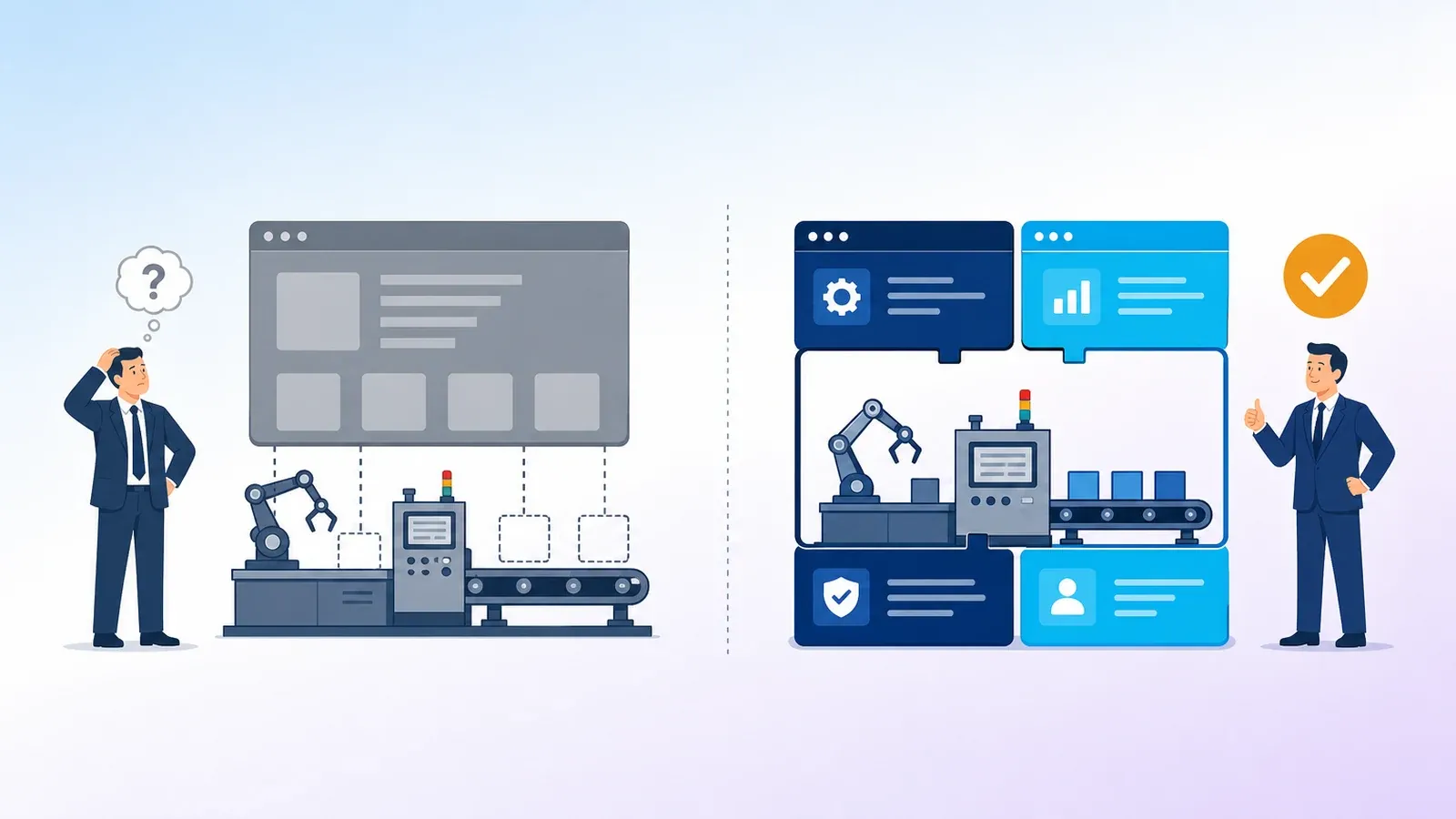
Custom ERP or ready-made ERP: what should an Indian manufacturer choose?
Ready ERP or custom ERP? The right answer depends on how different your process is, how fast you need to go live and who will look after the system.

Buyer Guides
The website quote is only one part of what an online store costs. Here is the full picture, so your budget does not surprise you three months after launch.
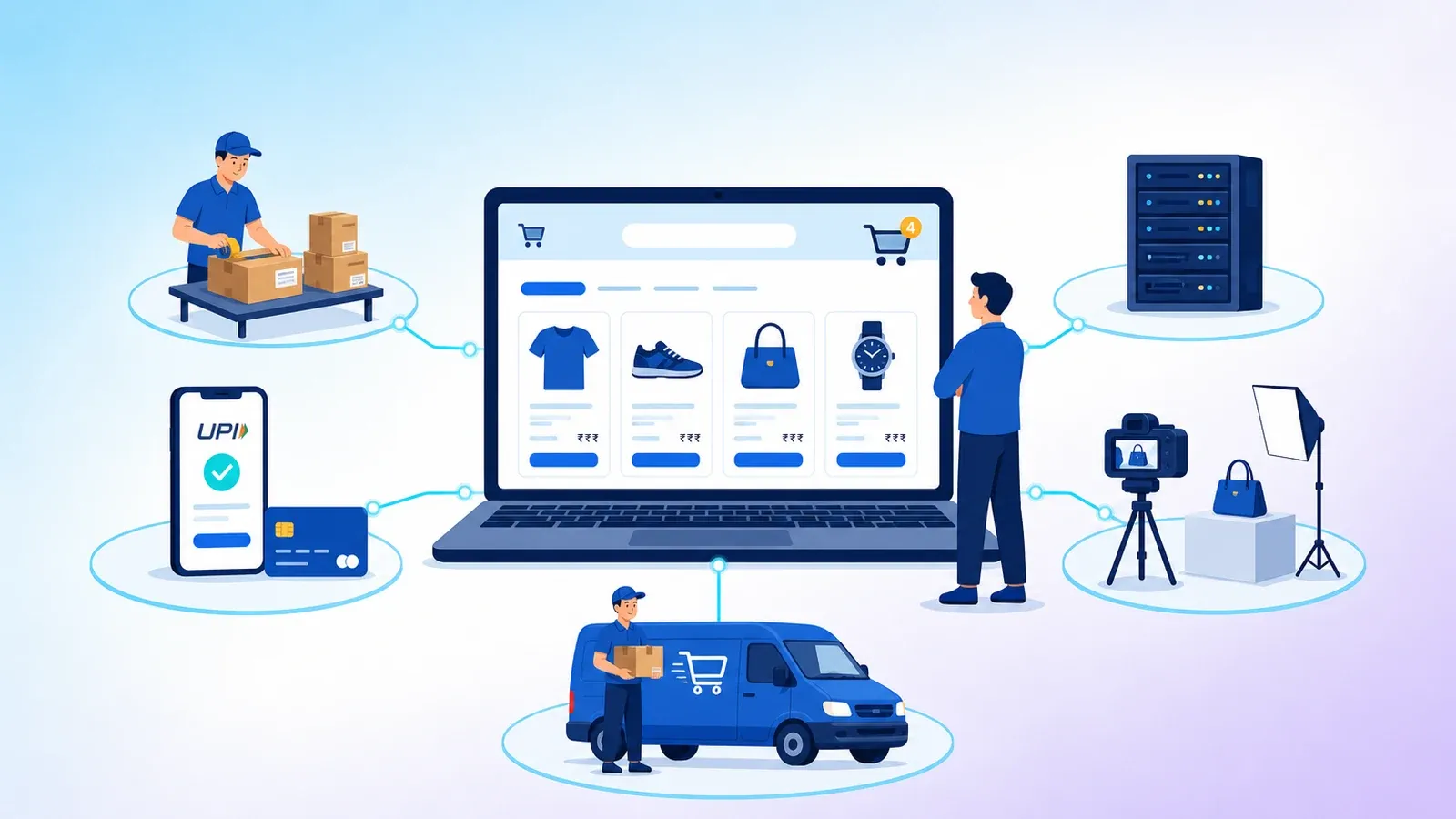
"How much will an ecommerce website cost?" is one of the most common questions business owners ask. The honest answer is: the website is usually not the biggest cost. The costs that surprise people come later, after launch.
This guide walks through every cost head so you can plan a realistic budget before you speak to any vendor.
There are three common ways to get a store:
| Option | How it works | Good for |
|---|---|---|
| Hosted store builder | Monthly plan on a platform, pick a theme, add products | Very small catalogues, quick testing |
| Ready ecommerce platform, set up for you | A complete store with admin panel, branded and customised for your business | Brands that want their own store without building from zero |
| Fully custom build | Designed and developed from scratch | Unusual business models or very specific workflows |
The more custom the build, the higher the upfront cost and time. A ready platform set up for you usually gives the best balance for most Indian brands.
Even on a ready platform, your store needs to look like your brand: logo, colours, banners, homepage sections and good product photography. Budget for:
Poor photos and weak descriptions lose more sales than a slow checkout.
Indian shoppers expect UPI, cards, net banking and COD (Cash on Delivery). Payment gateways charge a fee on each online transaction, which is a running cost that grows with sales.
COD needs its own planning. It brings more orders but also more returns and refused deliveries, which cost you shipping both ways.
Shipping is often the biggest running cost after product cost. Plan for:
Many new stores price products without counting these, and discover the margin problem only after a few months.
Your store needs a domain, reliable hosting, an SSL certificate and regular backups. These are small compared to other heads, but cheap hosting is a false saving. A store that slows down during a sale loses the very customers your ads paid for.
A new store has no visitors on day one. People will not find you by accident. Budget for at least some of:
It is common for marketing to cost more than the store itself in the first year. Plan for it from the start.
Someone has to add products, update stock, process orders, answer customer queries and handle returns. Whether that is you, a staff member or an agency, it is a real cost of time or money.
After launch you will want changes: a new offer section, a new payment option, a speed fix, a bug that shows up on one phone model. Keep a monthly or yearly budget for support instead of treating the store as a one-time purchase.
Marketplaces bring ready traffic, but they charge commissions and fees on every sale, control the customer relationship and make it hard to build your own brand. Your own store costs more effort to bring visitors, but every repeat customer is yours.
Many brands do both: they sell on marketplaces for reach and build their own store for margin and loyalty.
Before you ask for quotes, write down:
With this list, you can compare vendor quotes properly, because you will know what each quote includes and what it leaves out.
The cost of an online store is not one number. It is setup, plus the cost of every order, plus the cost of bringing customers, plus upkeep. Plan all four, and your store has a far better chance of paying for itself.
Our Ecommerce Platform gives you a complete, branded store with an admin panel, set up and supported by our team. Contact us to discuss what your store needs.

We build ready products and custom software for Indian businesses, and write about what we learn on the way.
Buyer GuidesReady ERP or custom ERP? The right answer depends on how different your process is, how fast you need to go live and who will look after the system.
 Buyer Guides
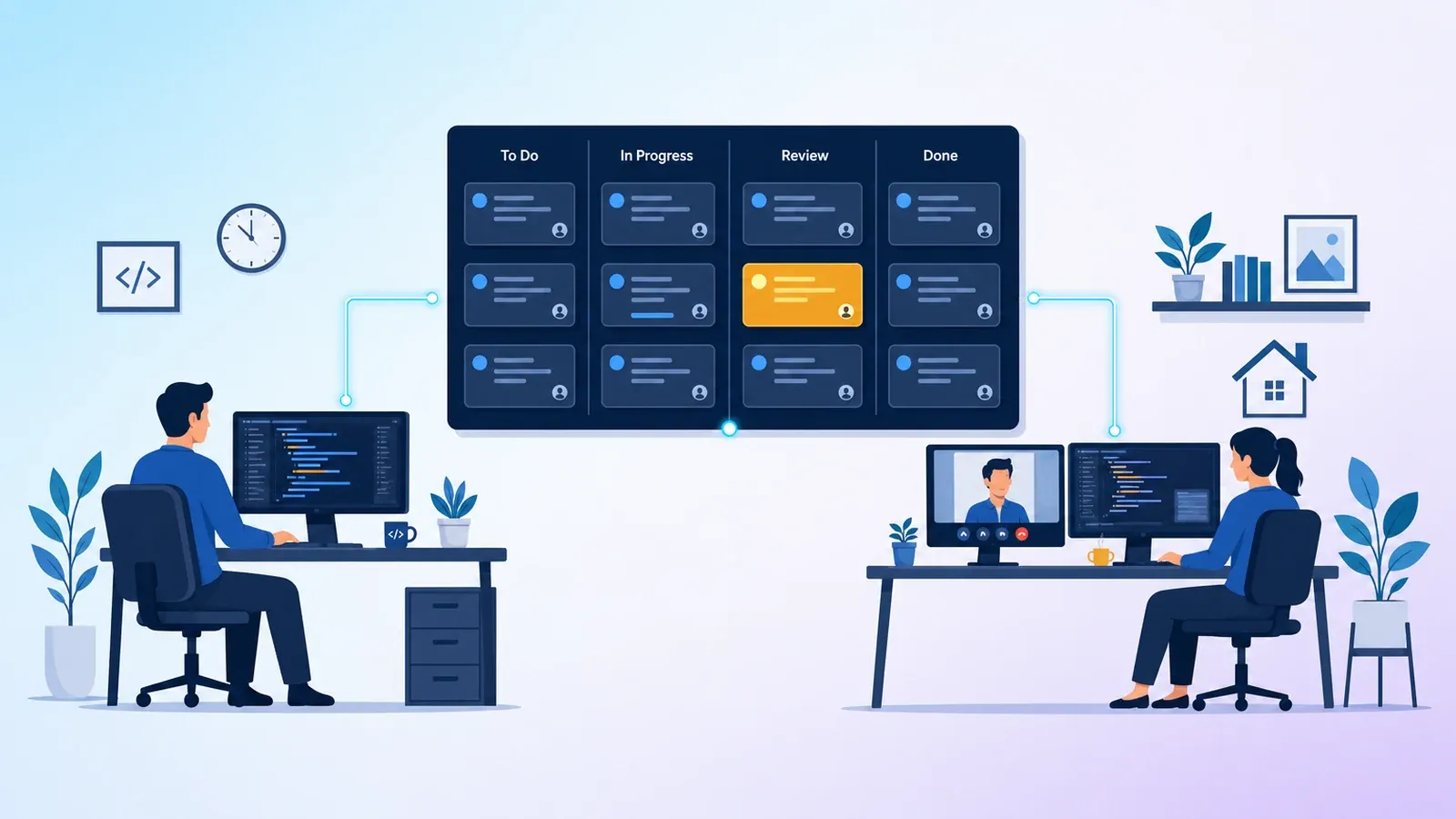
Hiring your own developers gives you control. Dedicated developers give you speed and flexibility. Here is how to choose, and why many teams use both.
Tell us what you are trying to fix. We will read it properly and come back with a clear next step.