Manufacturing

Inventory management for small manufacturers: from Excel to software

Most small factories track stock in a register or an Excel sheet. Here is how to make Excel work properly first, the signs it has stopped working, and how to move to software without chaos.
Code Buster20 Nov 20265 min read
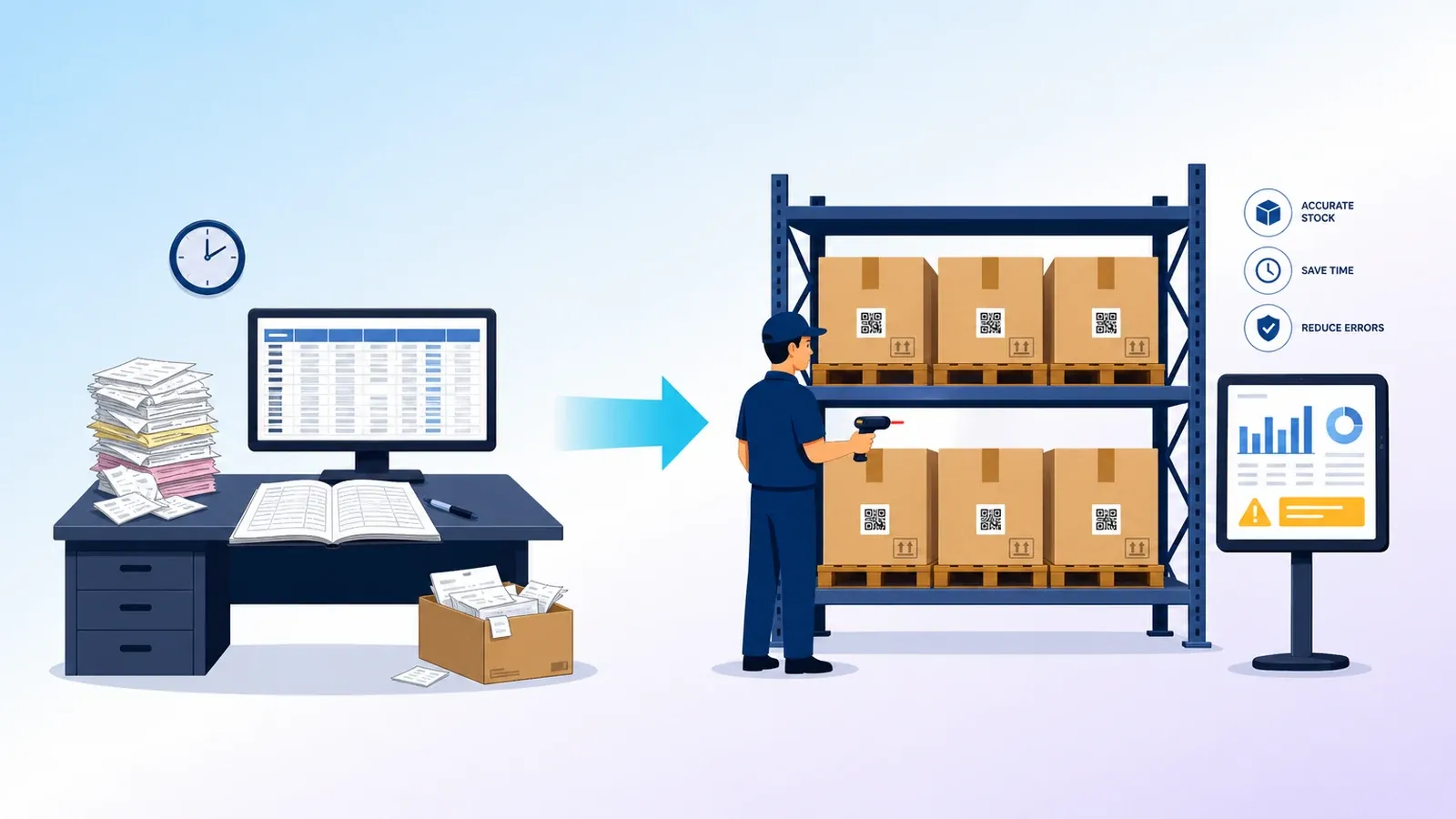
Small factory store moving from a paper register and spreadsheet to stock tracked on a tablet and dashboard

In most small factories, stock lives in three places: a register in the store, an Excel sheet on someone's computer, and the head of the store keeper. When all three agree, life is easy. When they do not, orders get delayed, material is bought twice and month-end closing takes days.

You do not have to jump straight to expensive software. This guide shows what to track, how to make Excel work properly, the signs it has stopped working, and how to move to software step by step when the time comes.

Why stock goes wrong in small factories

Stock rarely goes wrong because people are careless. It goes wrong because of how the work is set up:

  • Material is issued to the floor without a slip, "we will write it later".
  • The same item has three names in three places.
  • Returns from the floor and rejected material are not recorded.
  • Material sent out for job work is tracked in a notebook, or not at all.
  • Nobody counts the physical stock regularly, so errors pile up for months.

Fixing these habits matters more than the tool you use.

What to track

Type What it is Why it matters
Raw material Steel, plastic granules, chemicals, components Shortages stop production
Work in progress Material issued and still on the floor Hidden stock that is easy to lose
Finished goods Ready to dispatch Promised to customers
Consumables and spares Oils, tools, packing material Small items, frequent shortages
Job work material Sent to or received from other units Often untracked until it goes missing
Rejection and scrap Failed or wasted material Shows real consumption and losses

Making Excel work properly

Excel can serve a small unit well if it is set up with discipline:

  1. One item master. Every item gets one code, one name and one unit. "MS Rod 12mm", "12 mm rod" and "rod 12" become a single entry.
  2. One row per movement. Every receipt, issue, return and dispatch is a new row. Never overwrite a balance by hand.
  3. Standard columns. Date, item code, item name, in or out, quantity, unit, reference (purchase order, job card or challan), location and entered by.
  4. Balance by formula. The current stock is calculated from the movement rows, so it cannot be typed over.
  5. Slips for every issue. No material leaves the store without a slip, even a handwritten one, entered the same day.
  6. A weekly count of key items. Count the twenty items that matter most every week and correct the sheet with a note.
  7. One owner. One person is responsible for the file, and everyone else sends entries to them.

Signs Excel has stopped working

  • Two or more people edit the file, and copies get emailed around.
  • The sheet is so large it opens slowly or breaks.
  • Stores, purchase and production each keep their own version.
  • You cannot see stock by batch, lot or location.
  • You need to know what material each job consumed, and the sheet cannot tell you.
  • Month-end reconciliation takes days and still does not match.

If several of these sound familiar, the tool has become the bottleneck.

What inventory software adds

  • One live balance that stores, purchase, production and the owner all see.
  • Reorder alerts when an item falls below its minimum level.
  • Material against job cards, so consumption per job is recorded automatically from the bill of materials.
  • Batch, lot and location tracking, important for quality checks and customer complaints.
  • Barcode or QR scanning, which speeds up entry and reduces typing mistakes.
  • Mobile entry, so the store keeper records movements on the spot instead of at the end of the day.

Moving from Excel to software, step by step

  1. Clean the item master first. Remove duplicates and fix names and units in Excel. Bad data moved into new software is still bad data.
  2. Do a full physical count on a chosen day and use it as the opening stock.
  3. Start with raw material, the area that usually hurts most. Add finished goods, work in progress and job work once the first area is running well.
  4. Run both side by side for a short period, then stop the Excel sheet completely. Two systems for too long means nobody trusts either.
  5. Train the store keeper properly. The person entering the data decides whether the system works.
  6. Review the numbers weekly for the first two months and fix habits early.

The bottom line

Good inventory management is mostly good habits: one name per item, every movement recorded, regular counts and one owner. Excel can carry those habits for a while. When the business grows past what one sheet can handle, software makes the same habits faster and easier to keep.

If your stock has outgrown Excel, our Manufacturing ERP covers stock, job cards and quality in one place, set up around how your store and floor already work.

Tagged: ManufacturingOperationsERP

The Code Buster square mark
Code Buster

We build ready products and custom software for Indian businesses, and write about what we learn on the way.

Have work that needs better software?

Tell us what you are trying to fix. We will read it properly and come back with a clear next step.